Mac
A Mac with Apple Silicon (M1 or later) and macOS 14.2 Sonoma or later. Murmur asks for Microphone and System Audio Recording permission the first time you record.

Murmur records both sides of any call, transcribes it on your Mac or PC, tells the speakers apart and writes the notes. Nothing is uploaded.
Apple Silicon Mac with macOS 14.2 or later · Windows 10 or 11 (64-bit) · Free for 14 days, then $79 once or $8 a month.
Download not starting? Try the mirror: the same file from our own server.
What it does
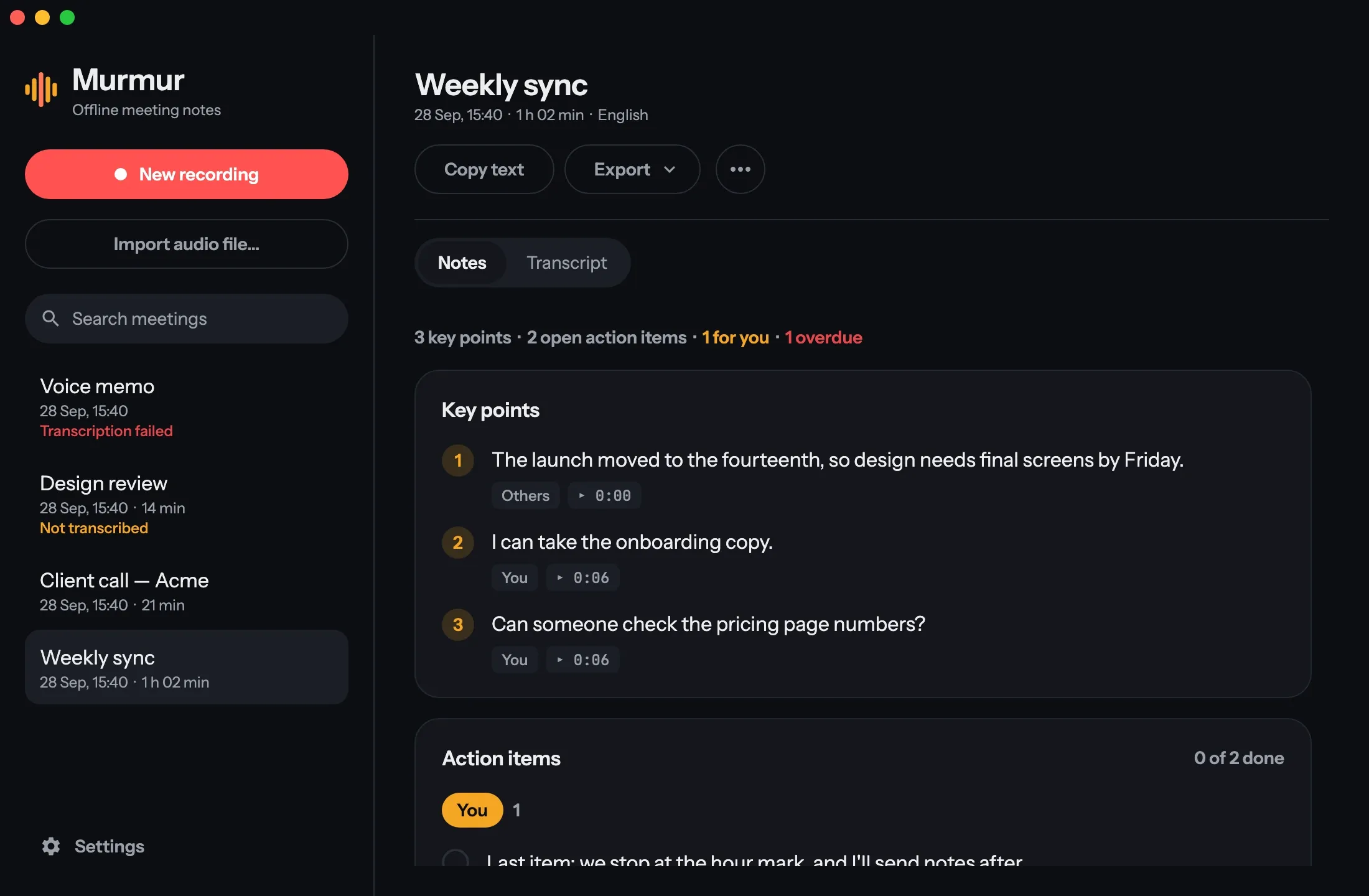
Murmur records your microphone and everything your computer plays, so Zoom, Google Meet, Teams or a phone call through your laptop are all captured. No bot joins the meeting, and nobody has to install anything.
Speech recognition runs on your Mac or PC, not in a cloud. Murmur works in airplane mode, detects the language by itself, and shows the transcript live while you talk.
Your side is labelled You. Other people are told apart by their voices; name someone once and Murmur recognises them in your next meetings.
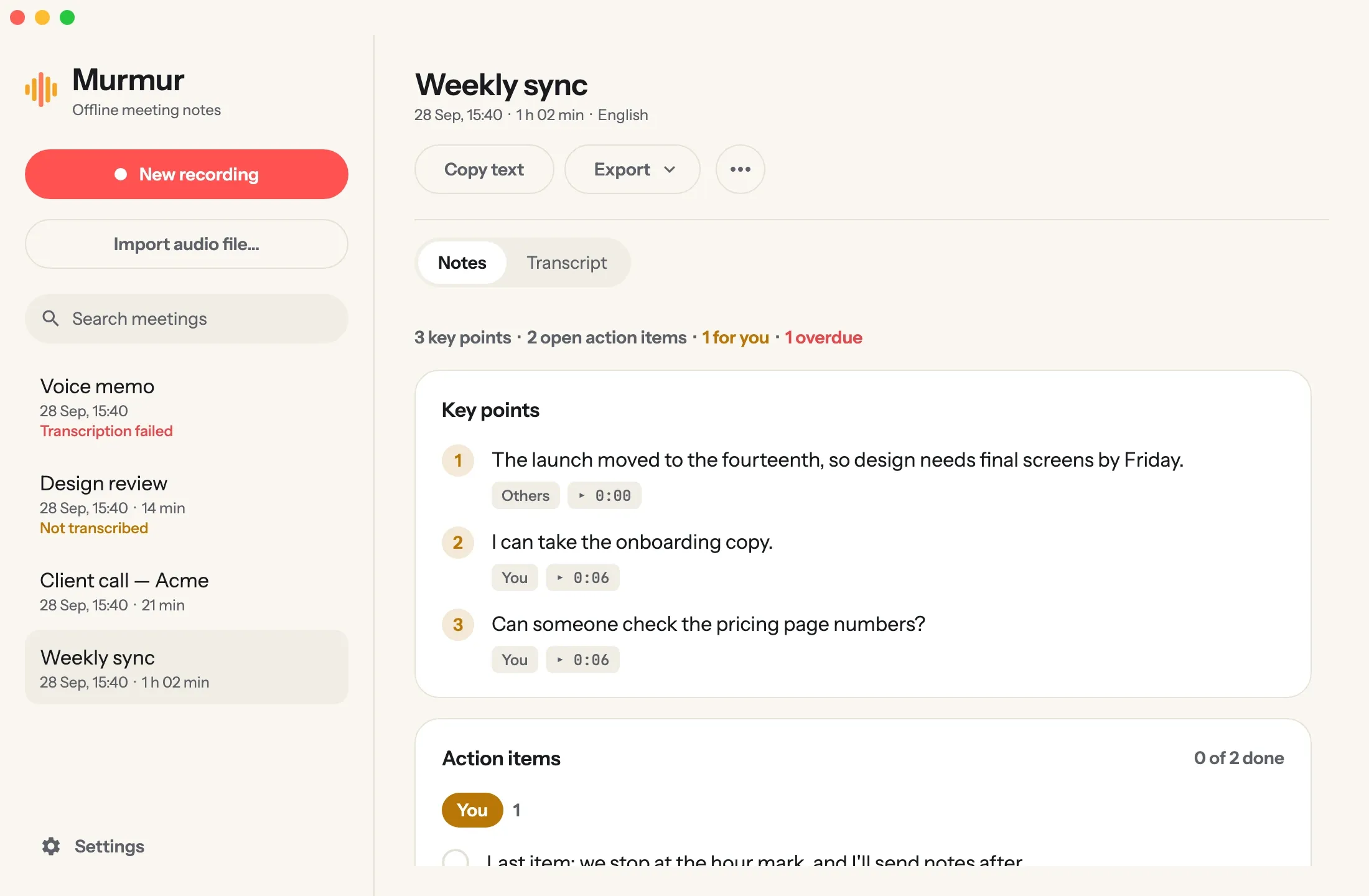
Every meeting gets its key points and its action items, with who owns each one and when it is due. Tick them off as they get done.
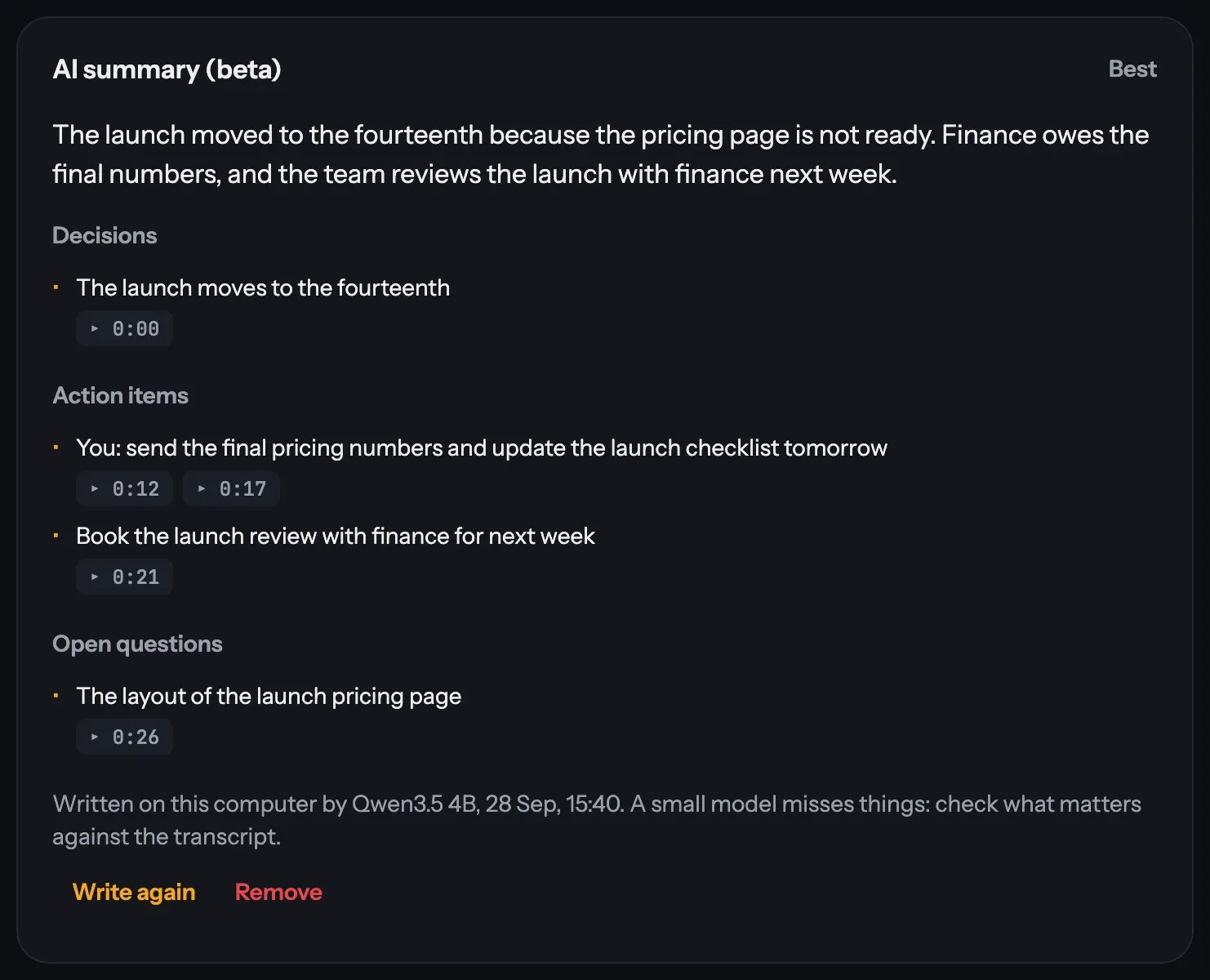
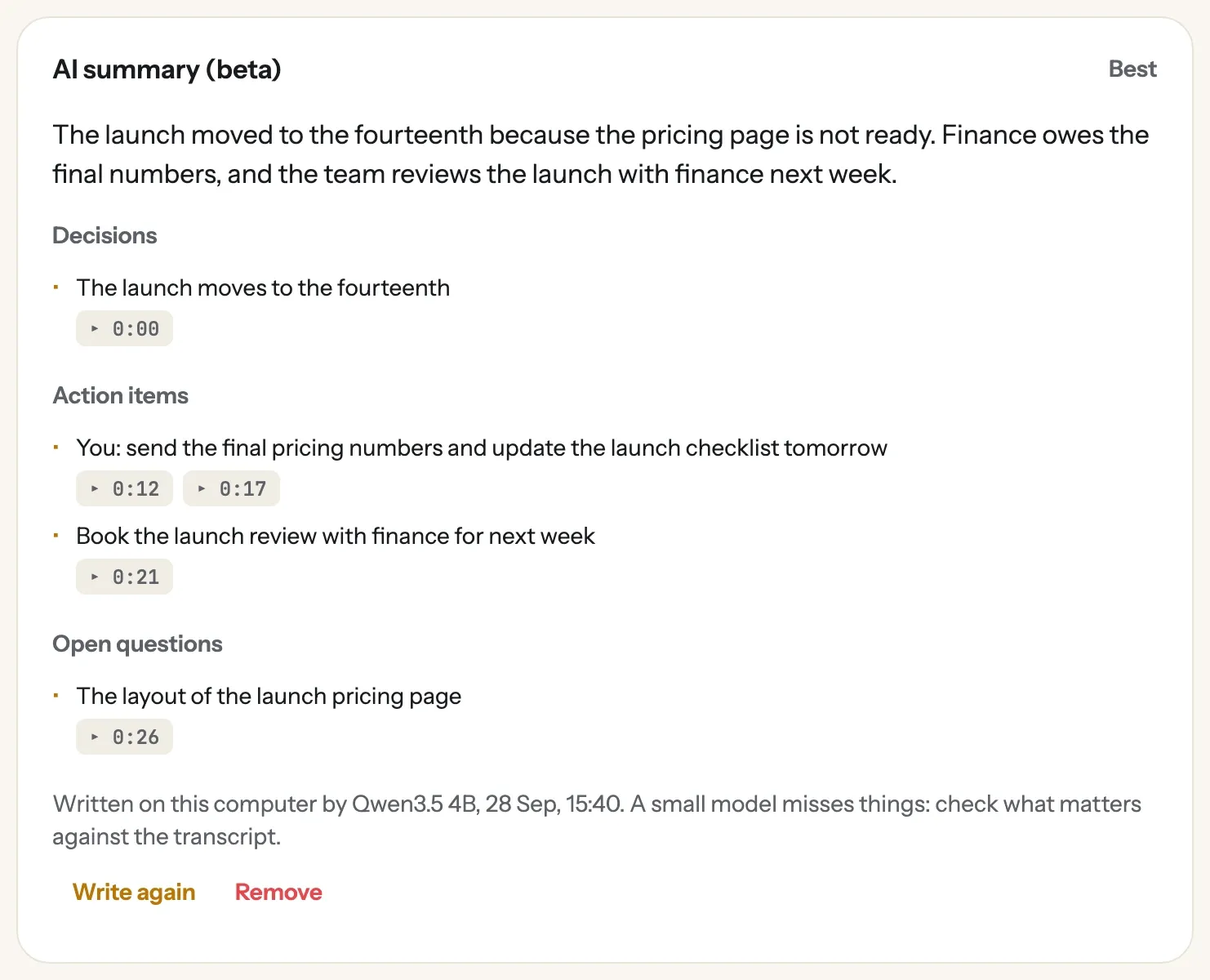
Ask for a summary and a small language model writes one on your computer. Every decision and action item links to the moment it was said, and anything it cannot trace to the transcript is left out.
Play any moment back, correct a misheard word everywhere at once, search every meeting, and export to PDF, Word, Markdown, text or subtitles.
During the call
The transcript appears while people talk, each line labelled with who said it. Key points and action items fill in beside it, with owners and due dates, all worked out on your Mac.
AI summary (beta)
Small language models run on your computer, so the summary never leaves it either. Murmur reads the meeting in parts, keeps only the points it can trace back to the transcript, and links each one to the moment it was said.
Privacy
Your recordings, transcripts, notes and summaries: never. Murmur has no account and no analytics. It goes online only for these:
The details are in the privacy policy.
Pricing
$0 for 14 days
Pay once
$79 one-time
$8 a month
Requirements
A Mac with Apple Silicon (M1 or later) and macOS 14.2 Sonoma or later. Murmur asks for Microphone and System Audio Recording permission the first time you record.
Windows 10 (version 2004) or Windows 11, 64-bit, from the Microsoft Store, where it is listed as Murmur Meeting Notes.
8 GB of memory or more is recommended. About 1 GB of disk for the app and its speech model, plus 0.5 to 2.7 GB if you use AI summaries.
English and dozens of other languages, detected automatically. Mixing languages within one sentence can drop words in one of them.
Questions
No. It records your computer’s audio and your microphone, so nothing joins the call and nobody else installs anything. Many places require everyone’s consent to record, so let people know.
Only to download the models once and to activate your licence. Recording, transcription, notes and summaries all work offline. With Murmur Monthly, Murmur also confirms your subscription about once a week when you’re online, and keeps working for 30 days without a connection.
Yes. A licence covers up to three of your own computers, Mac and Windows mixed. Removing it from one frees that place.
It keeps working until the end of the month you paid for. After that, recording, importing and transcribing new meetings need a licence or a new subscription; everything you already made stays yours to open, read, search and export.
Recording, importing and transcribing new meetings need a licence. Everything you already made stays yours to open, read, search and export.
Yes: Murmur for Android is on Google Play. It is a separate app with its own purchase.
Email support@tricodestudio.com.