
NetPulse
On Google Play as “NetPulse: Internet Speed Test”
See what your connection is good for, and keep your mobile data in check.
About NetPulse
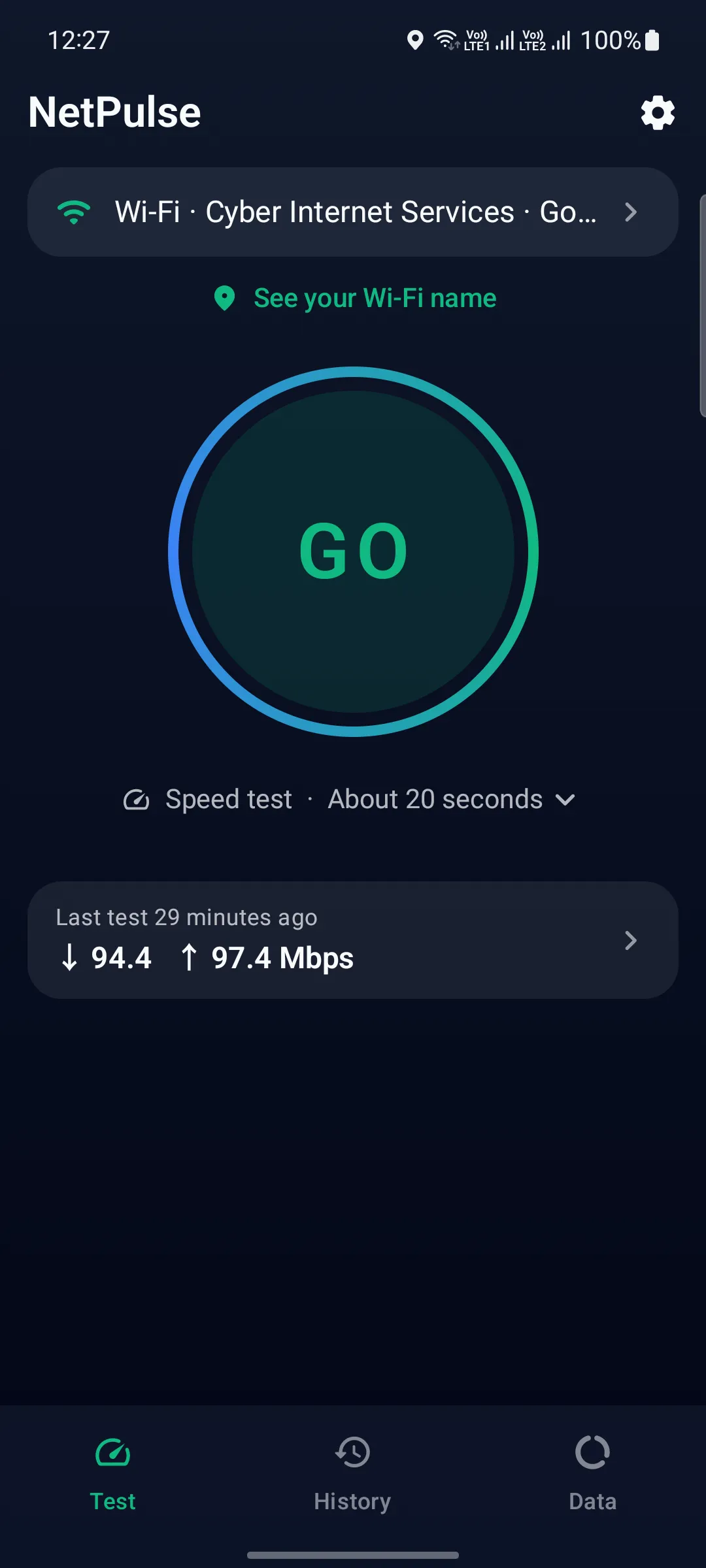
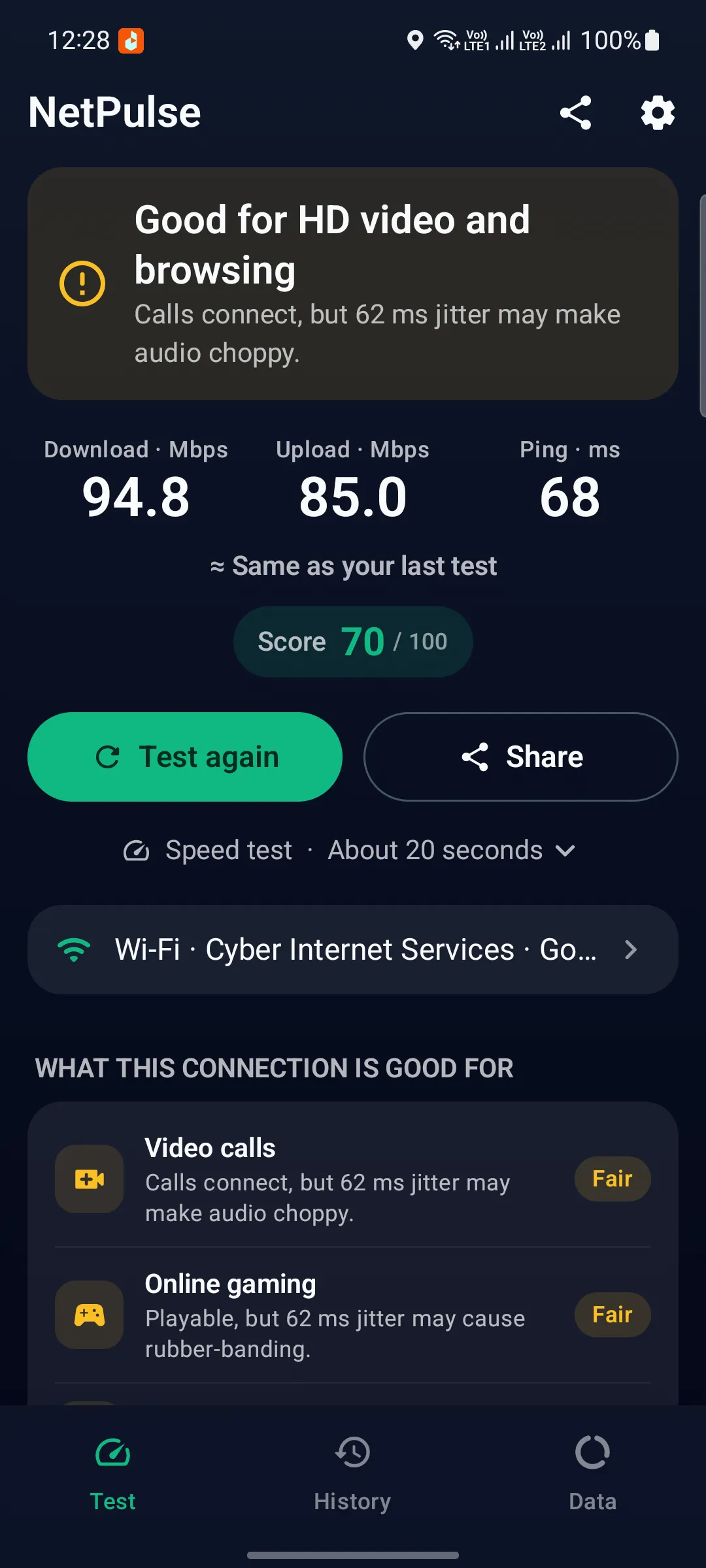
NetPulse tests your internet and tells you what the result means. Tap GO and in about 20 seconds you get download, upload and ping, a score out of 100 and a plain answer first, such as “Good for HD video and browsing”. Video calls, online gaming and the other things you use your connection for each get their own verdict.
Run a Full test, about a minute, and NetPulse also loads popular websites and plays video up to 4K to show how browsing and streaming really feel. The details are there when you want them: jitter, packet loss, latency under load and a bufferbloat grade. Tests run on Cloudflare’s global network, or on an M-Lab server you pick in any country.
The Data tab tracks Wi-Fi and mobile data per app and warns you before your monthly plan runs out. Keep your live speed and plan in the status bar, or use the home-screen widget and quick-settings tile. NetPulse is free with ads; remove them with one payment or a yearly plan. In 18 languages, with light and dark themes.
- Category
- Tools
- Price
- Free
- In-app purchases
- Remove ads (one payment or yearly)
- Ads
- Yes
- Languages
- 18
- Platform
- Android
- Developer
- TriCode Studio
Features
What NetPulse does
Results that make sense
Download, upload and ping on a live dial, then a clear verdict: what your connection is good for, from HD video to calls and gaming, with a score out of 100.
Real websites and 4K video
The Full test times how fast popular websites load and plays video up to 4K, so you see what browsing and streaming actually feel like on your connection.
The details that matter
Jitter, packet loss, latency while downloading and uploading, and a bufferbloat grade. Test on Cloudflare’s network, or choose an M-Lab server near you or in another country.
Mobile data plan alerts
Set your monthly plan and get warned before you run out. See Wi-Fi and mobile data per app over the last 24 hours, 7, 15 or 30 days.
History and trends
Every result is saved on your phone, with your typical speeds, the trend, network filters and CSV export. Repeat or schedule tests to see how steady your connection is.
Always one glance away
Live speed and your data plan in the status bar, a home-screen widget, a quick-settings tile, and full Wi-Fi and mobile network details, including both IP addresses.
Legal
How NetPulse handles your data, and the terms for using it.
More from TriCode Studio


